
Explainer Life · Nation
Make the screen and keyboard fit the task before buying a desk
A shared home workspace can improve through arrangement, lighting and changes in activity.
Checking whether this browser can read the story aloud.
Explore related topics
Sources & editorial review
Sites editorial review recorded for this exact revision. This AI-assisted article or learning resource includes source links and credited contextual imagery.
This is a local editorial review, not a canonical Cultural Imprint Engine assessment. No CIE score is claimed. Source review does not verify third-party playback, provider availability or image pixels.
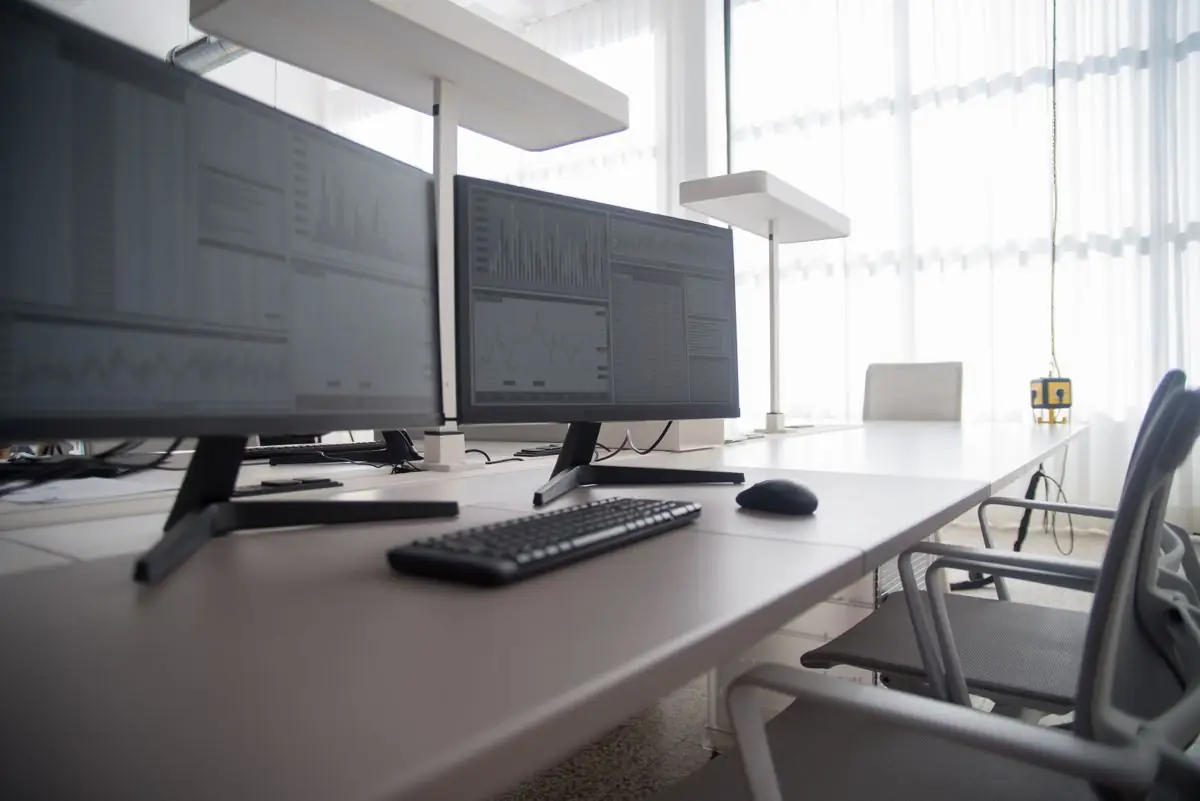
Photograph · source and license
The image, credit, reuse license, editorial context and delivered file are recorded in the exact Sites editorial review. This review is separate from the article’s canonical CIE assessment.
Image and publication standards →At a glance
- A laptop’s joined screen and keyboard can create a placement tradeoff.
- Frequently used items should be positioned for the task.
- General ergonomics guidance does not diagnose pain or certify a setup.
In this story
Follow the work through the room
A home computer station can serve an application, a training course, a work shift and household paperwork on the same day. The arrangement should start with the task: what must the person see, reach, type and read?
OSHA's computer-workstation guidance describes principles such as a monitor near eye level, adequate keyboard and mouse space, and a layout that avoids awkward reaching.
NIOSH's home-work guidance likewise considers the display, seat, input devices and surrounding environment. These are general ergonomic resources.
They do not diagnose a symptom, prescribe treatment or establish that one arrangement will fit every body, disability or assistive technology.
See the laptop tradeoff
A laptop joins the screen and keyboard. Raising the whole machine can improve viewing position while moving the keyboard too high.
Leaving it low can help typing placement while drawing the gaze downward. An external keyboard, mouse or monitor may allow separate adjustment, when available and appropriate, but the relevant purchase depends on the actual task and space.
Before buying equipment, observe a typical session. Is the person repeatedly turning toward a paper form?
Does the mouse sit beyond a pile of mail? Does screen glare cause the person to lean or twist?
Moving clutter, changing the display angle or repositioning a document may address a specific problem without requiring a new desk.
A fictional layout trial
Imagine a learner has a 60-minute computer task. The learner spends 15 minutes reviewing the setup, 30 minutes testing a revised arrangement while doing the task, and 15 minutes noting what worked and restoring shared household space.
The hour is a planning example, not an evidence-based treatment dose.
The test can record observations: the document was easier to read, the mouse stayed close, the table still allowed another household member to pass. Avoid drawing clinical conclusions from a brief trial.
If pain, numbness, visual difficulty or another health concern occurs, a qualified professional can assess it; a furniture checklist cannot determine its cause.
The arrangement may need more than one saved position when adults share equipment. A taller user and a shorter user can require different seat or screen settings.
Note which adjustments are easy to repeat and which are fixed. A shared setup should let each person make appropriate changes rather than preserve one preferred position as a rule for everyone.
Think about the work pattern
NIOSH and OSHA discuss varying activity and allowing breaks from prolonged computer tasks. A practical schedule can alternate a typing task with another suitable activity rather than keeping the same posture throughout.
The exact pattern should fit the work, employer rules and the person's needs.
For a shared table, store frequently used supplies so the setup can be repeated. Marking the preferred monitor position or keeping a document stand nearby may be more useful than a one-time perfect photograph.
Cords, lighting and clear walking space belong in the arrangement too; a comfortable seat does not resolve an obstructed route through the room.
Describe the adjustment you need
An employer, training provider or family helper can respond better to a concrete description than a general complaint that the home office is wrong. Identify the task, equipment, barrier and attempted adjustment.
A request involving an accommodation or health issue may need the relevant formal process.
For Gretna-area adult learners and workers, the federal guidance offers a vocabulary for improving fit. It supports thoughtful arrangement and observation.
It does not recommend a particular product, promise symptom relief or imply that buying furniture fulfills an employer's obligations.
Sources & verification
Official general layout principles; informational eTool, not a medical or legal determination. Retrieved and checked against the available primary-source page or indexed official excerpt on October 3, 2026.
Read the sourceFederal 2020 home-work ergonomics guidance, retrieved current page; no personalized clinical advice. Retrieved and checked against the available primary-source page or indexed official excerpt on October 3, 2026.
Read the sourceThis article was written with AI assistance from the linked sources. No firsthand interview or visit is implied. Source dates and limits are identified in the reporting. Advertising does not determine editorial coverage. Request a correction or read our standards.
EVERY NEIGHBOR HAS A VOICE
Keep the conversation going.
Share experiences, ask questions and link evidence for factual claims. Automated publication checks apply to each submitted version. Comments are independent community discussion, not submissions to a government body.
Sign in to join · freeCommunity standards