
Service guide Life · County
Find the right health-department door before making the trip
The Pittsylvania–Danville district organizes several services online; a focused call can confirm where your question belongs.
Checking whether this browser can read the story aloud.
Explore related topics
Sources & editorial review
Sites editorial review recorded for this exact revision. This AI-assisted article or learning resource includes source links and credited contextual imagery.
This is a local editorial review, not a canonical Cultural Imprint Engine assessment. No CIE score is claimed. Source review does not verify third-party playback, provider availability or image pixels.
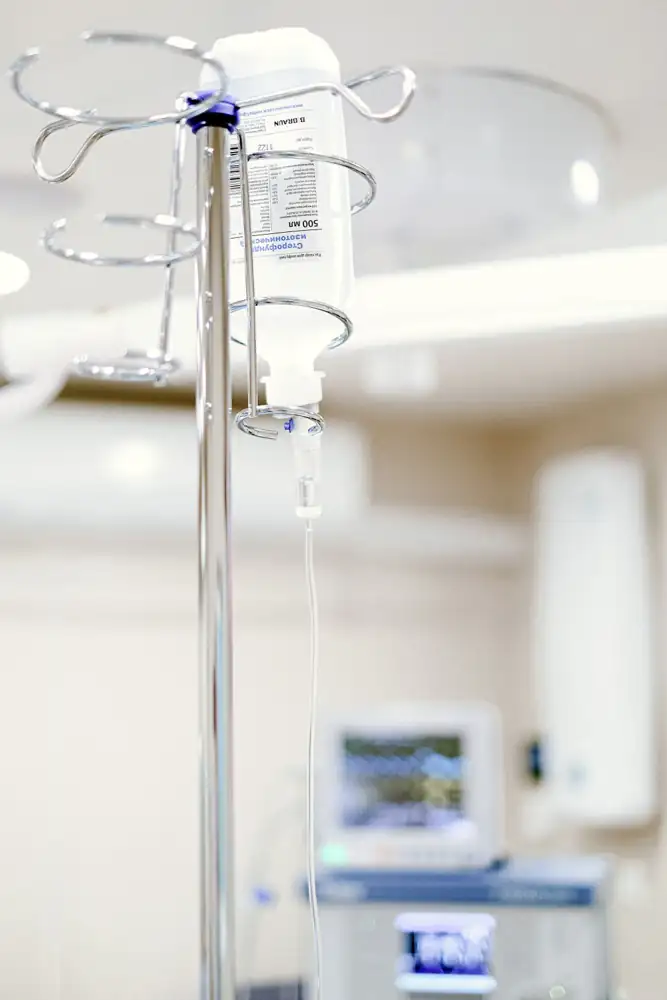
Photograph · source and license
The image, credit, reuse license, editorial context and delivered file are recorded in the exact Sites editorial review. This review is separate from the article’s canonical CIE assessment.
Image and publication standards →At a glance
- Start with the district service menu.
- Confirm location and appointment requirements.
- Prepare a specific question before calling.
In this story
A service menu is a starting map
Health-department work covers more than one kind of appointment. The Virginia Department of Health's Pittsylvania–Danville district website separates services for children, services for women and men, environmental health, WIC and vital records.
Those headings can help a resident identify the right conversation before driving to an office.
Treat the menu as a route to information, not a promise that every service is offered at every location on every day. A Gretna family looking for a record and a household asking about a private well may need different staff, paperwork and arrangements.
Make the first call useful
Write a sentence naming the task: I need to ask about a birth record; I need information about WIC; I have a question about a well. Then ask which office handles it, whether an appointment is required and what to bring.
Ask about charges and any eligibility rules that apply to the actual service. Record the date, the office and the next step.
If language access, a mobility need or a communication accommodation affects the visit, raise that during planning. Ask for instructions in a form you can use.
Confirm an address from the official contact page rather than copying an old social-media post.
A household bookmark that stays useful
Keep the district home page and contact page together in your phone bookmarks or a paper household folder. Add your own note describing why you might need each department, but avoid treating a saved office schedule as permanent.
Before another visit months later, confirm the arrangements again. For an urgent medical problem, use appropriate emergency or clinical care; this service-navigation exercise is for arranging ordinary administrative and public-health questions.
Sources & verification
Official district menu for public-health and administrative services.
Read the sourceThis article was written with AI assistance from the linked sources. No firsthand interview or visit is implied. Source dates and limits are identified in the reporting. Advertising does not determine editorial coverage. Request a correction or read our standards.
EVERY NEIGHBOR HAS A VOICE
Keep the conversation going.
Share experiences, ask questions and link evidence for factual claims. Automated publication checks apply to each submitted version. Comments are independent community discussion, not submissions to a government body.
Sign in to join · freeCommunity standards