
Service guide Business · Gretna
Give a creative project a front page people can understand
A README can explain a digital portfolio without requiring readers to open every file.
Checking whether this browser can read the story aloud.
Explore related topics
Sources & editorial review
Sites editorial review recorded for this exact revision. This AI-assisted article or learning resource includes source links and credited contextual imagery.
This is a local editorial review, not a canonical Cultural Imprint Engine assessment. No CIE score is claimed. Source review does not verify third-party playback, provider availability or image pixels.
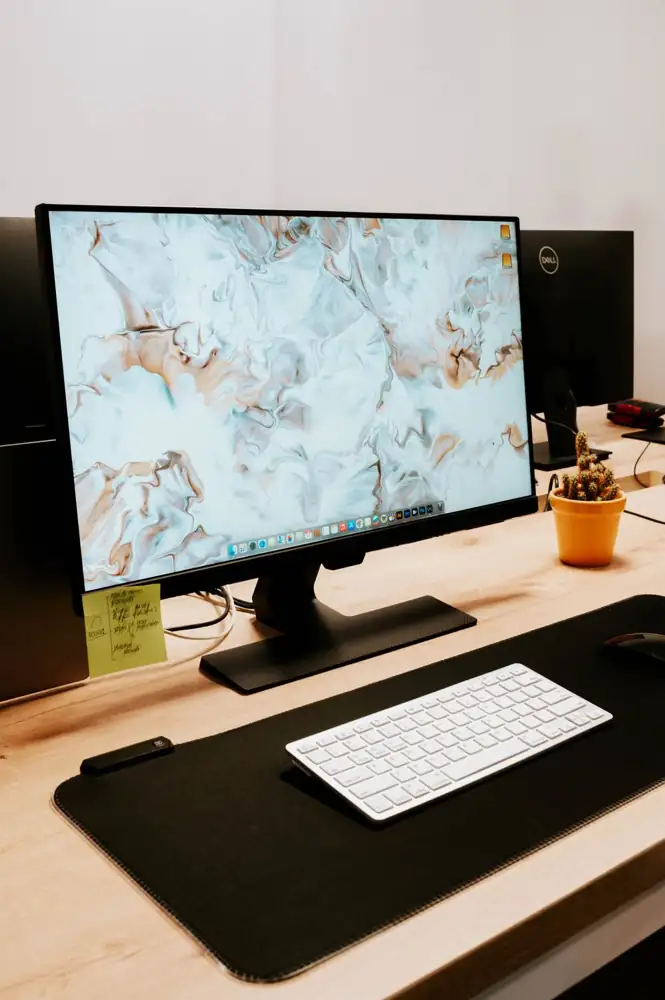
Photograph · source and license
The image, credit, reuse license, editorial context and delivered file are recorded in the exact Sites editorial review. This review is separate from the article’s canonical CIE assessment.
Image and publication standards →At a glance
- Describe what the project does in the first paragraph.
- Separate finished examples from work in progress.
- Review a public folder for private material.
In this story
Explain the invitation
A folder of designs or audio files can be hard to navigate when its creator is not present. In this hypothetical portfolio exercise, a Gretna maker writes a front page for three original projects.
Each entry states the project’s purpose, the creator’s role, the available sample and how to ask a question. Avoid claims such as “award-winning” or “trusted by local organizations” unless there is evidence to support them.
GitHub’s documentation describes a repository README as a place to explain why a project is useful and how people can use it. That structure can help a creative portfolio even when the work itself is not software.
Make the contents legible
Give each sample a descriptive title and a short explanation of what the viewer should notice. Label a practice piece as practice.
If a group made it, identify your contribution rather than implying that every part is yours. Include a readable text description for an audio or visual example.
Choose links with meaningful labels, such as “Read the poster design brief,” instead of repeated “click here” text. Open each link as someone who does not share your account permissions.
An attractive front page is not useful if its examples are inaccessible or point to the wrong version.
Choose what belongs in public
Review the folder before publishing. Remove client messages, personal contact lists, private drafts and files you do not have permission to share.
State any reuse terms deliberately; the fact that a file is visible does not itself describe its license.
Keep a dated copy of the front page and the released samples. Set a realistic review date to fix broken links and retire outdated information.
A clear portfolio offers a truthful picture of the work you can show now. It can open a conversation without promising paid work, acceptance or a particular audience size.
Sources & verification
README purpose and display; no public repository created for this exercise. Checked October 3, 2026.
Read the sourceThis article was written with AI assistance from the linked sources. No firsthand interview or visit is implied. Source dates and limits are identified in the reporting. Advertising does not determine editorial coverage. Request a correction or read our standards.
EVERY NEIGHBOR HAS A VOICE
Keep the conversation going.
Share experiences, ask questions and link evidence for factual claims. Automated publication checks apply to each submitted version. Comments are independent community discussion, not submissions to a government body.
Sign in to join · freeCommunity standards